Attributes allow each user to define and manage specific numerical attributes for a server, without the need to configure a template or accompany the template.
If a record has statistics, the attributes are added to it, but the statistics replace attributes with the same name.
Attributes doesn't allow to enable and use /dbroll, /macro, /display and /calc without a configured template.
Usage
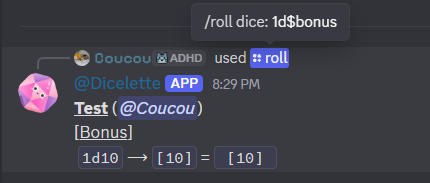
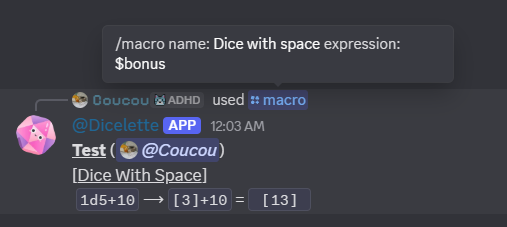
Unlike snippets, attributes cannot be used directly. They function as shortcuts (similar to statistics) in the form of keys. In practical terms, this allows the name of an attribute to be used in a die roll, prefixed with the $ symbol.
When force is 12, the die is automatically converted to 1d12.
This syntax can be used:
- In
/rollroll commands - In direct notation
- In roll commands linked to character sheets (
/dbroll,/macro) as well as their equivalent in/mj. - In
/calcand/mathcommands (only on a server)
As with snippets, each key must be unique. It is recommended to use:
- short names;
- without spaces (if a space is used anyway, the value remains accessible by replacing spaces with
_or.). - without
-(hyphen) because they can be confused with negation ($myStat-10)
Attributes are stored globally at the server level and are therefore shared between all characters belonging to the same player.
To be used in a snippet or a macro, an attribute must first be registered.
Creating an attribute
/user_config attribute create [name] [value]
name: Name of the attributevalue: Number to be recorded
As with snippets, if the attribute already exists, its value will simply be updated.

Deletion
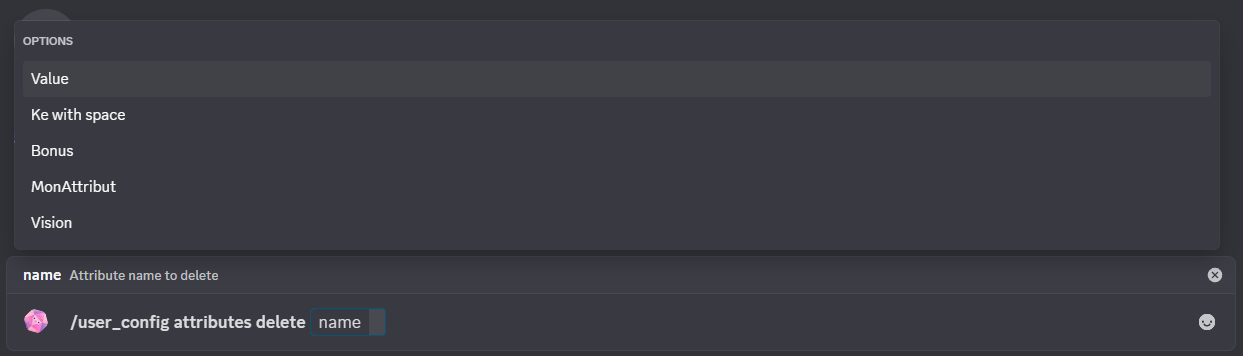
/user_config attributes delete [*name]
*name: Name of the snippet to be deleted
Allows you to delete an existing attribute from the list of attributes.
Listing attributes
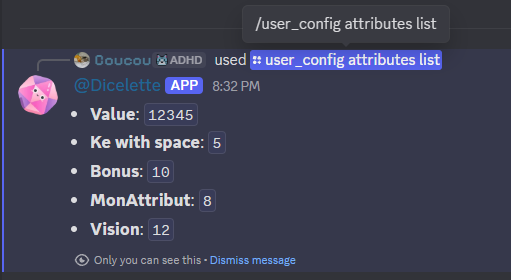
/user_config attributes list
Displays the list of existing attributes for the user.
Export attributes
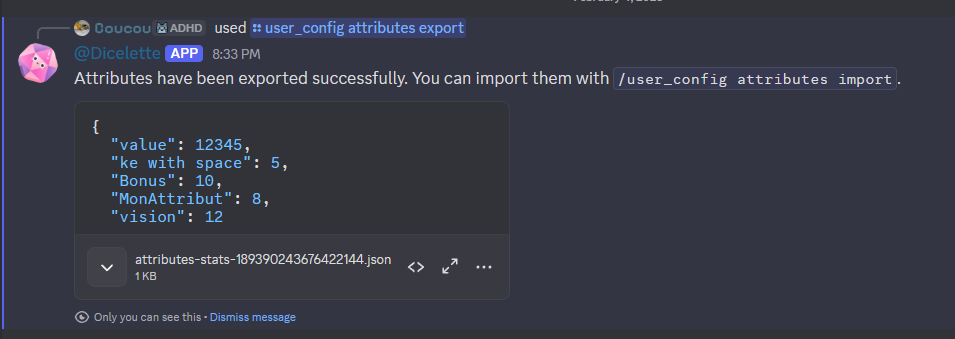
/user_config attributes export
Exports all user's attributes in JSON format so that they can be saved or shared.
Import attributes
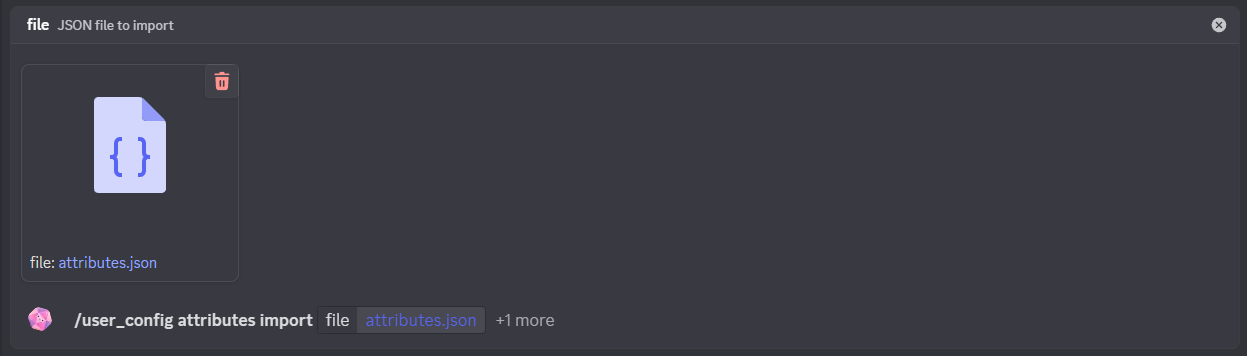
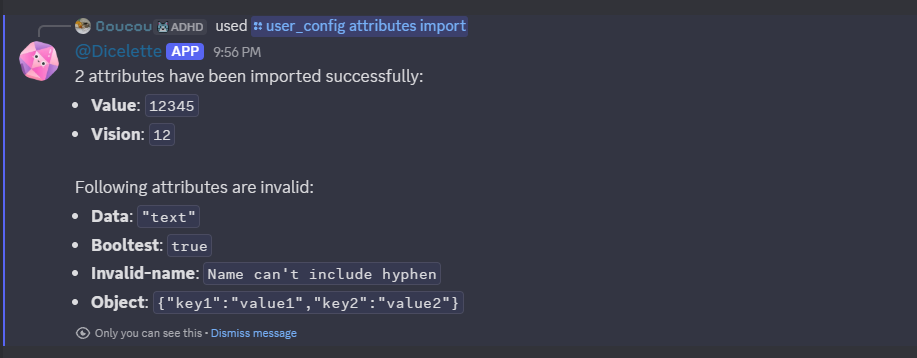
Imports attributes from a JSON file. This allows you to easily transfer or share data between different servers or accounts.
/user_config attributes import [file] (?overwrite)
file: JSON data of the attributes to be imported?overwrite: Allows you to overwrite the data rather than merge it with the old data.
By default, the data is merged. If two attributes have the same name, the imported attribute will replace the existing one. During import, the attributes are validated and only those that comply will be added.